Websites for contractors and builders
For builders, renovators and construction firms who win work through reputation and a good first conversation. Your site shows real projects, explains how a job runs and makes it easy to request a quote with photos and plans attached, so you can judge a job before the first visit.

Common problems for contractors online
Good work that nobody sees
Your best jobs sit on a phone or in a folder. Without a proper gallery, prospects cannot see the standard of your work, and they compare you only on price.
Quote requests without information
A message saying "I want a new bathroom" tells you nothing. You travel to look, find the job is not what you do, and lose half a day to a visit that never needed to happen.
Prospects who do not know the process
People hesitate because they do not know what happens after the first contact. Unclear steps, timing and responsibility make a job feel risky even if you are reliable.
Trust without proof you can invent
Visitors look for signs you are real and dependable. Showing real information beats empty claims, and made-up badges or numbers would backfire quickly.
Admin that follows the job
After the job comes the paperwork: customer details, invoices, a follow-up payment. Retyping the same information into several tools costs evenings you would rather have off.
Tools that suit a contractor
The platform covers the road from first enquiry to paid invoice.
Project gallery
Show finished jobs with photos and a short description of what was done, grouped by type such as extensions, kitchens, bathrooms or roofing.
Quote request with uploads
A form where prospects describe the job, give an address area and upload photos or plans, so you start with real information.
One page per job type
Separate pages for each kind of work you do, written for the people searching for exactly that job, with its own call to action.
Working area information
State clearly where you work, so enquiries from outside your area are rare and the ones you receive are relevant.
Customer records and invoices
Keep customer details from the quote onwards and send invoices or credit notes with a payment link when the work is done.
Notification and confirmation
You get an alert for each enquiry, and the sender gets a confirmation, so nobody wonders whether the message arrived.
An example site structure for a contractor
A contractor site works as a showcase first and a quote machine second. This structure guides a visitor from "can they do this" to "let me ask for a quote".
Home
What you build, where you work, a few strong project photos and a visible quote request button.
Services
An overview with a link to a separate page for each type of work, such as extensions, renovations, new builds or maintenance.
Job type pages
One page per kind of work with typical situations, what is included, how you approach it and a form tailored to that job.
Projects
A gallery of finished work, each with photos, a short description and the kind of job it was, using only your real projects.
How a project runs
The steps from first call and visit to quote, planning, work and handover, written as you really do it, with no invented timelines.
Working area
The towns or regions you cover, so visitors know quickly whether you are an option.
Request a quote
A form with job type, address area, description and file upload for photos or plans, with confirmation to the sender.
Frequently asked questions
Can prospects upload photos and plans with a quote request?
Yes. The form can include a file upload field, so people attach photos of the situation or a drawing. You see more of the job before replying, and can often tell if it fits before you drive out.
Can I show my past projects?
Yes. A project gallery lets you add finished jobs with photos and a short description. You manage it from the portal, so adding a new project after completion takes a few minutes.
How do I show I can be trusted?
With real information: actual projects, a clear explanation of how you work, your working area and contact details. We do not invent badges, reviews or numbers. If you hold certifications or memberships, you can state them yourself, and we place them clearly.
Can I also send invoices from the platform?
Yes. Customer records and invoices are available as modules. You create the invoice from the customer record, include a payment link and see which invoices are paid and unpaid. Credit notes cover corrections.
Do I need a page for every type of job?
It helps. A page for each kind of work lets visitors who search for that job find a page that is about it, and lets you speak to their specific situation. We agree the list of pages with you during the structure phase.
Services that fit
Custom websites
A website designed around your business, fast on every screen and easy to edit yourself.
SEO basics
The technical and structural basics that help search engines understand and show your site.
Invoicing and customers
Keep customer records, send invoices and credit notes with a payment link, and see what is paid and unpaid.
Landing pages
A focused page for one campaign, offer or service, built to get visitors to respond.
Sectors

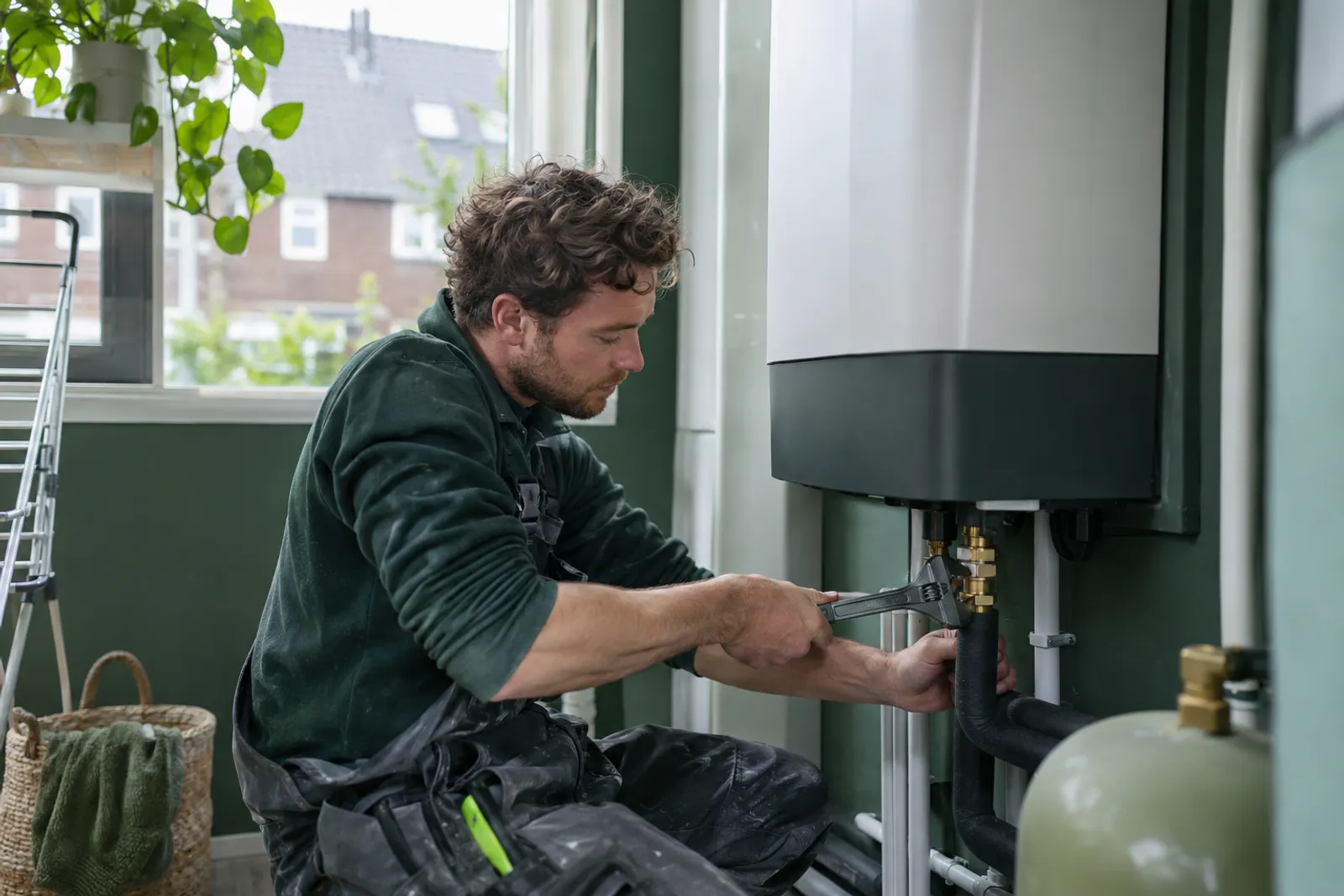


Show your work, get better enquiries
Tell us what you build and where. We propose a structure with a gallery, job pages and a quote form that brings in useful requests.